MrCall Desktop
BetaAn AI assistant that lives on your desktop.
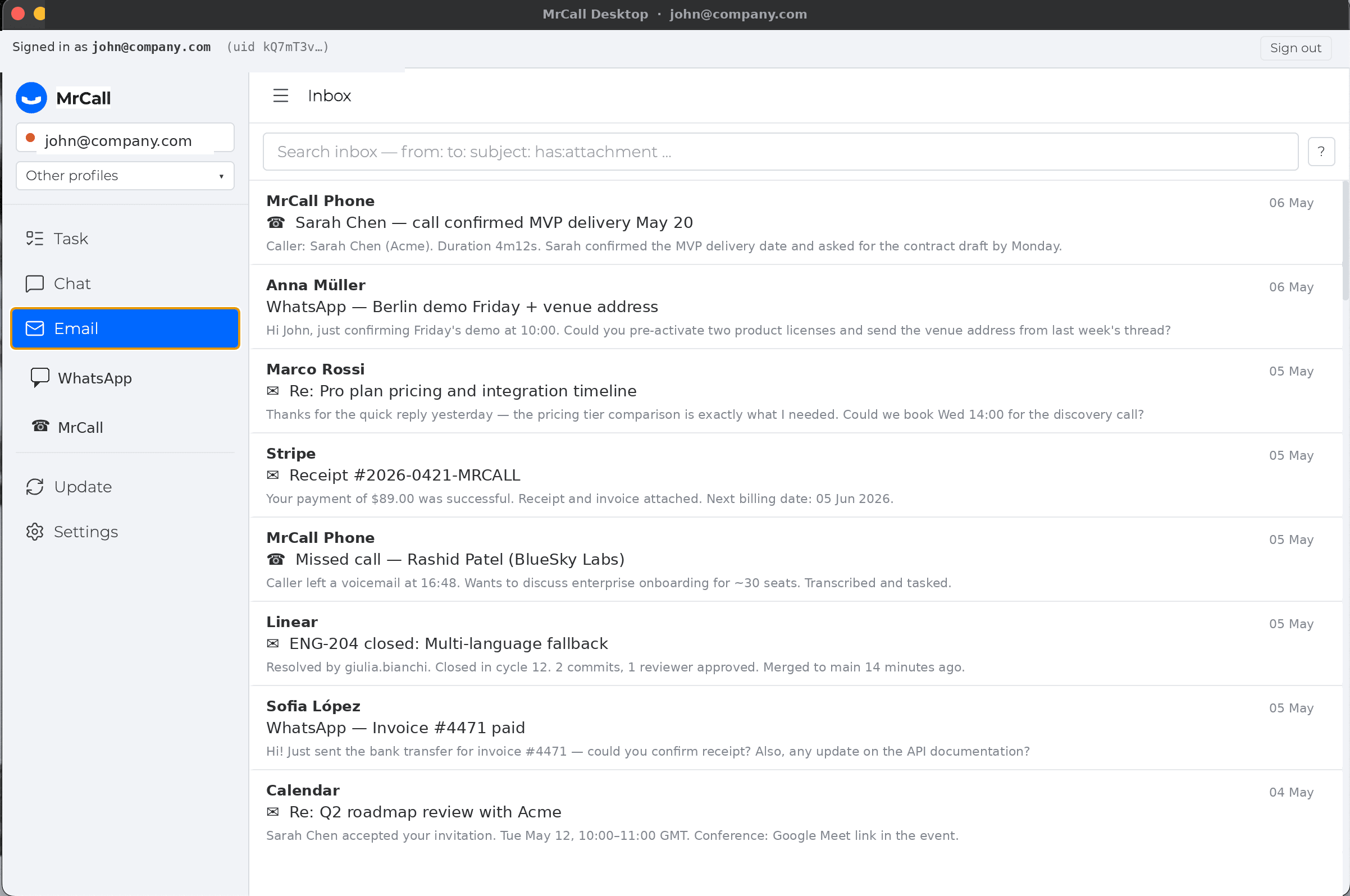
MrCall Desktop unifies email, WhatsApp and your MrCall phone in a single app — with a local memory of every contact and conversation.
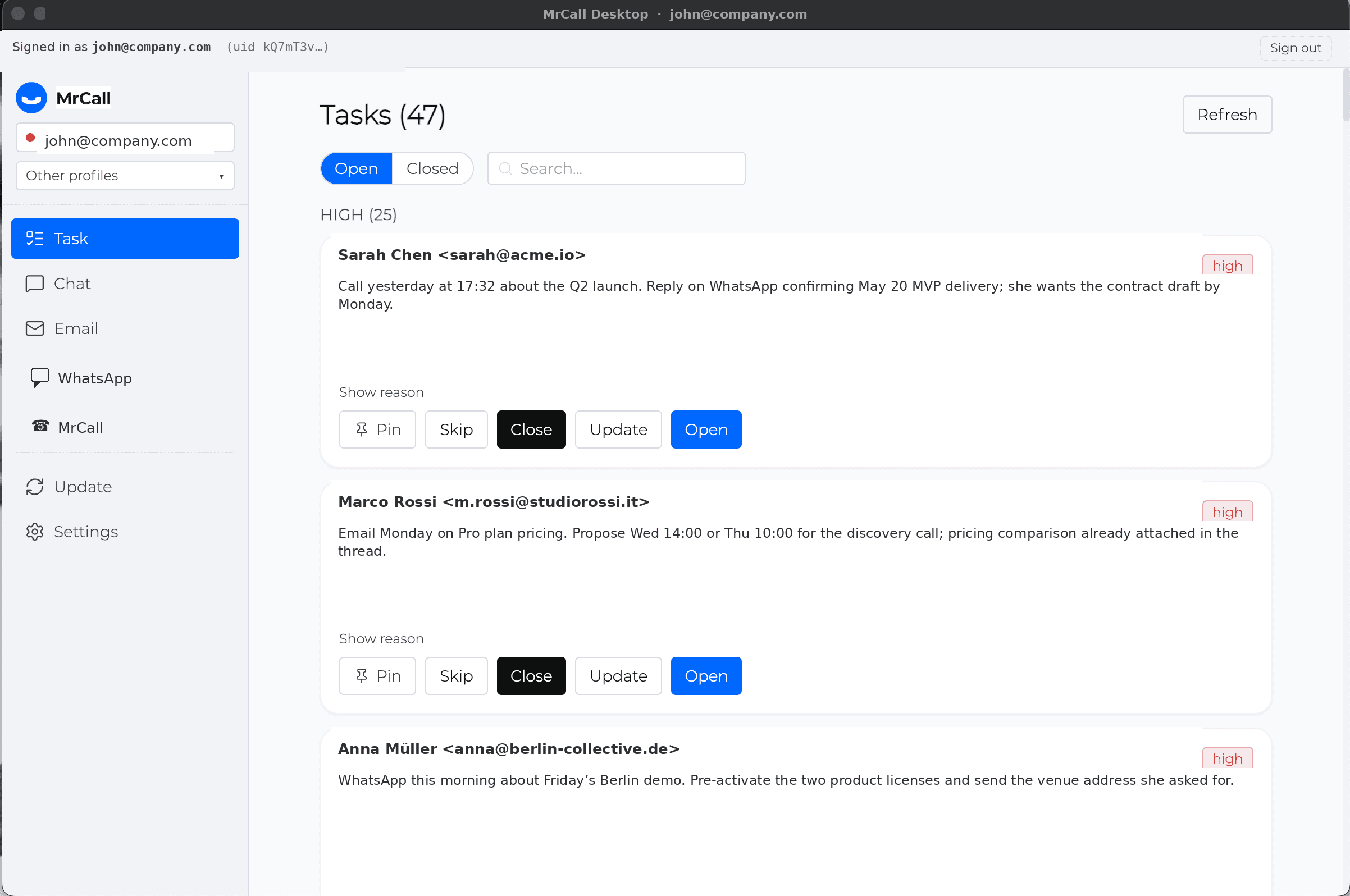
What it is
MrCall Desktop is a local AI assistant for business communication. It reads your inbox, your WhatsApp, the transcripts of your MrCall phone calls — and turns them into tasks, drafts and reminders.
From the same app you can reply on email, send a WhatsApp, place a MrCall phone call, or check what was said in the last conversation with a contact.
It runs locally — your inbox, attachments and chat history stay on your machine, indexed for hybrid lexical + semantic search.
What you can do
Email triage and replies
The assistant reads your inbox, surfaces what matters, drafts replies you only need to approve.
Tasks from every channel
Calls, emails and chats are turned into actionable tasks automatically — with the original context attached.
Chat with full context
Ask anything: 'reply to Marco', 'send Anna a WhatsApp', 'call Sarah back'. The assistant remembers prior conversations.
MrCall phone, from your computer
Place outbound calls and read live transcripts — same MrCall account, same caller ID.
Google Calendar (optional)
Booked meetings, suggested slots, automatic invitations — all from the same chat.
WhatsApp with your number
Connects via your existing WhatsApp account — no Cloud API setup required.
Privacy by design
Your inbox, attachments, transcripts and embeddings live on your computer. Nothing syncs to the cloud.
Network calls happen only when you explicitly invoke the LLM, MrCall phone or Google Calendar. Auth tokens are held in memory and never persisted.
Open source under MIT. Audit the code yourself.
One MrCall account
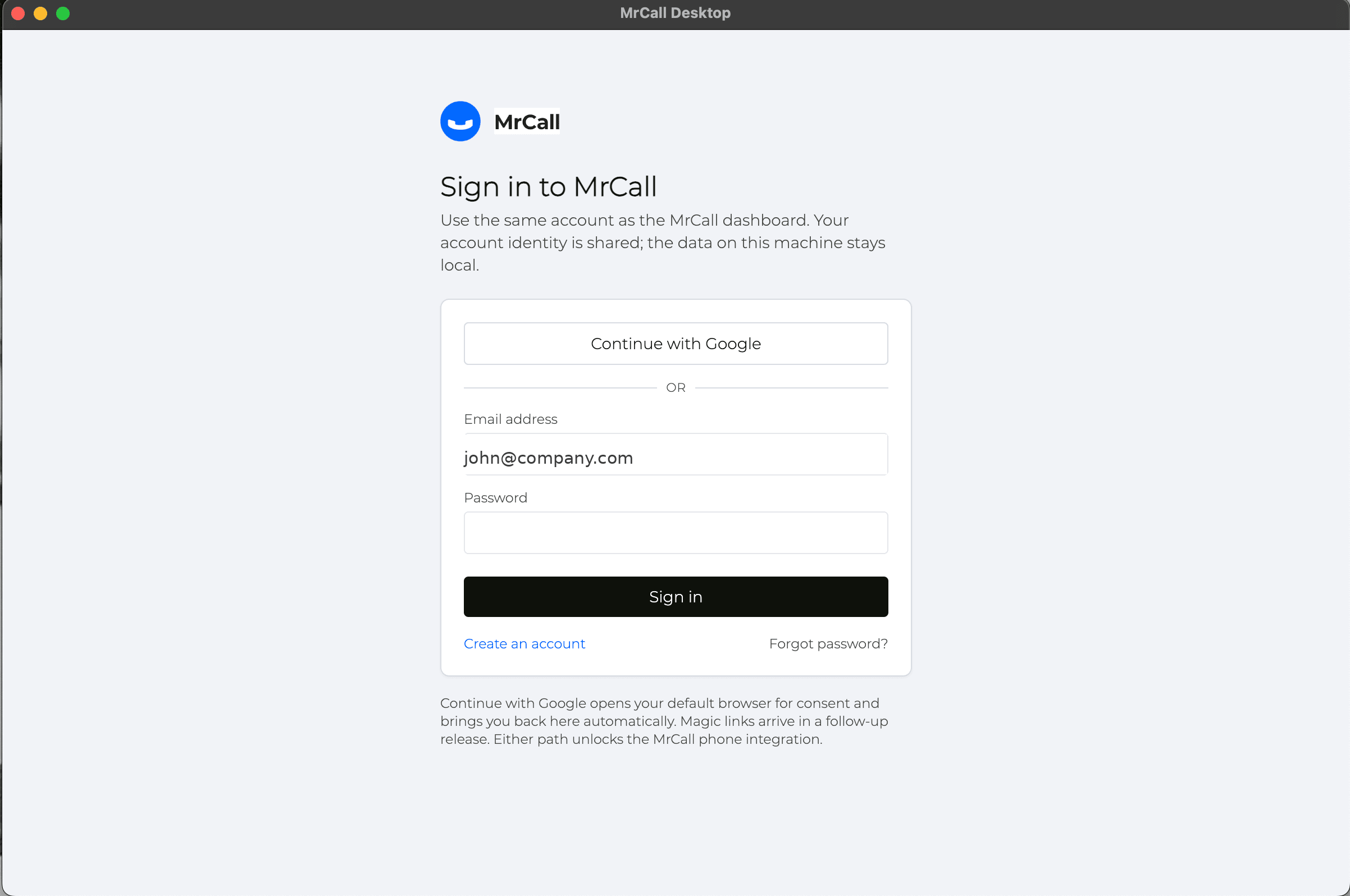
The same login you use on the dashboard opens MrCall Desktop. No new registration, no separate billing.
Behind it all: one AI that reads your inbox, listens to your call transcripts and follows your WhatsApp threads — and weaves everything into a single, searchable memory of every contact.
Download for your platform
Pick your OS. The latest signed build is on GitHub.
Linux
No packaged installer yet. Install the engine from source — see the engine README on GitHub.
Linux — install instructionsmacOS builds are code-signed and notarized. Windows installer is not code-signed yet — SmartScreen will prompt on first launch (see install guide).
View all releases on GitHub →System requirements
- •macOS 12 Monterey or later (Apple Silicon or Intel).
- •Windows 10 or 11 (x64).
- •Linux: install from source, Python 3.11+.
FAQ
Can I use it offline?
Reading your local inbox and searching your history works offline. Sending mail/WhatsApp/calls and querying the LLM need network.
Does it work without MrCall credits?
Yes — bring your own Anthropic API key (Professional plan only). MrCall credits are needed for outbound phone calls and (optionally) for the LLM.
Do my data go to the cloud?
No automatic sync. Your inbox, transcripts and embeddings stay local. Network requests only when you explicitly ask for them (LLM, calls, calendar).
The phone isn't a legacy channel. It's your business's first point of contact — and now it has intelligence built in.